slouchless: using AI to improve my posture
As a millennial, I've been toiling in the Internet mines my whole life, and as a result I now have the posture of a goblin. I wished that I had a couch to watch me all day and guide me to fixing my posture. So, I repurposed a spare webcam and vibe coded an applet to do just that.
slouchless takes a photo every few seconds and asks an AI vision model if I am slouching. If yes, it pops up a window with the webcam feed with live feedback until you fix your posture. Seeing this live feed is a powerful feedback mechanism because I have a poor sense of what my back looks like.
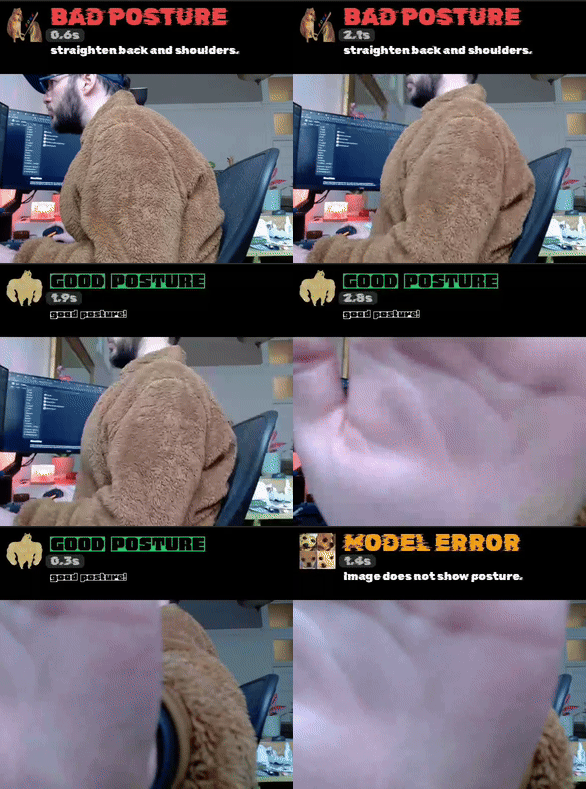
You can find the code on Github. It has a bunch of silly fonts and terminal bling, and I apologize for nothing.
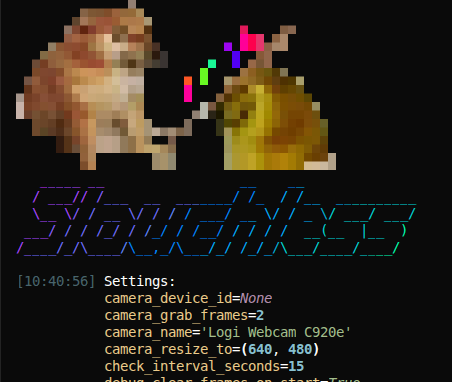
Running slouchless
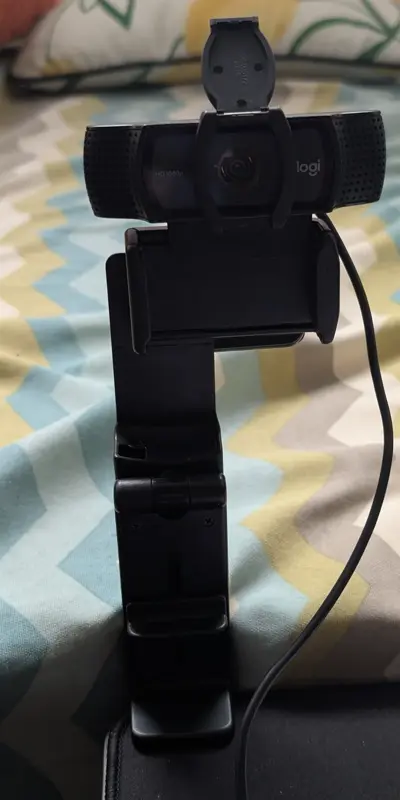
You need a webcam. I used a spare webcam that I wasn't using and set it up next to my desk.
For the AI part, either:
- An OpenAI API key (easiest, costs a fraction of a cent per call)
- A GPU with ~8GB VRAM to run a local vision model
# .env file
OPENAI_API_KEY=sk-...
DETECTOR_TYPE=openai
Then uv run --active main.py. You'll see the applet in your system tray.
Things I learned
I started out serving a vision-language model locally using vLLM, but I struggled to get it working well. I think taking a small 7B model and then 4-bit quantizing it deep fried it beyond reliability. So, to make life easy I switched to GPT-4o API calls while I wait for RTX 5090 prices to drop.
I tried originally using Tk for video display but it was eating into my weekend too much. I embraced the jank and the app pipes raw frames to ffplay and drawing overlays in Python.
As always, getting the prompt right is an iterative process based on trial an error. Here's the current version:
Is this person slouching? Signs of bad posture:
- Head craned forward
- Shoulders rounded forward
- Back hunched or curved
Say Yes if posture is clearly bad. Say No if posture is reasonable (we only want to alert on unacceptable posture).
Format: "Yes, <how to fix, 6 max words>" or "No" or "Error: <reason, 6 words max>" if you can't see the person.
Let me know if you found it useful!